10 free edits every month · no card needed
Real estate photo editing,
automated end-to-end.
AI photo editing for real estate photographers, listing agents and brokerages. HDR photo editing, sky replacement, virtual twilight, object removal and virtual staging — every edit your listing photos need. Drop the shoot folder. Get the finished set back.
 BeforeAfter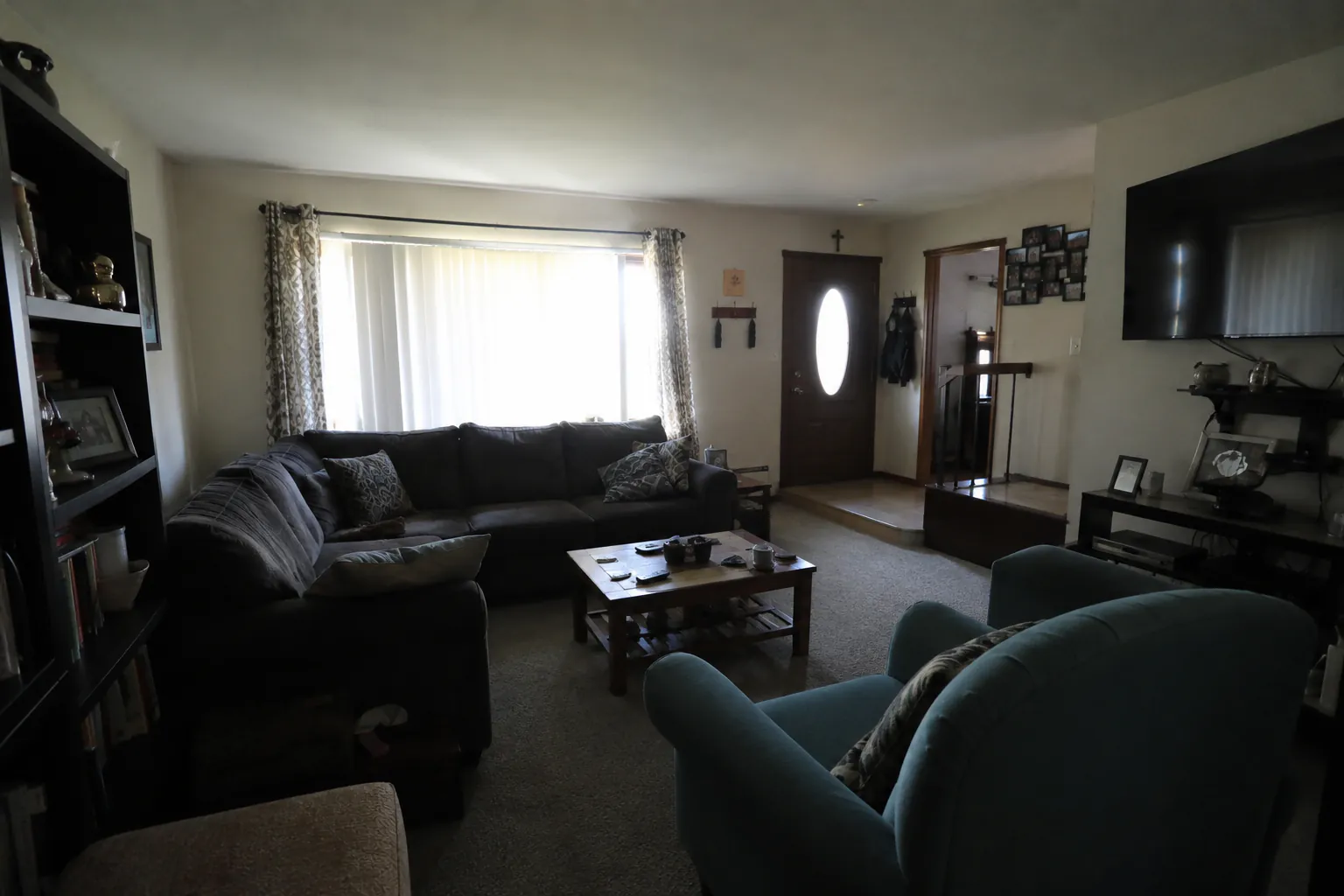
Drag to compare · real HDR output from the pipeline · see pricing
Trusted by photographers and brokerages

How it works
Three steps. Minutes, not hours.
Real estate photo editing without the retouching queue. The same workflow you’d use for one photo scales straight to a hundred.

Drop your shoot
Drag your full folder of JPEGs, PNGs, or TIFFs straight onto the dashboard. Upload happens in parallel.

Pick the edit
Choose an HDR look, virtual twilight, sky replacement, object removal, or write a custom edit. Per photo, or batch the whole set.
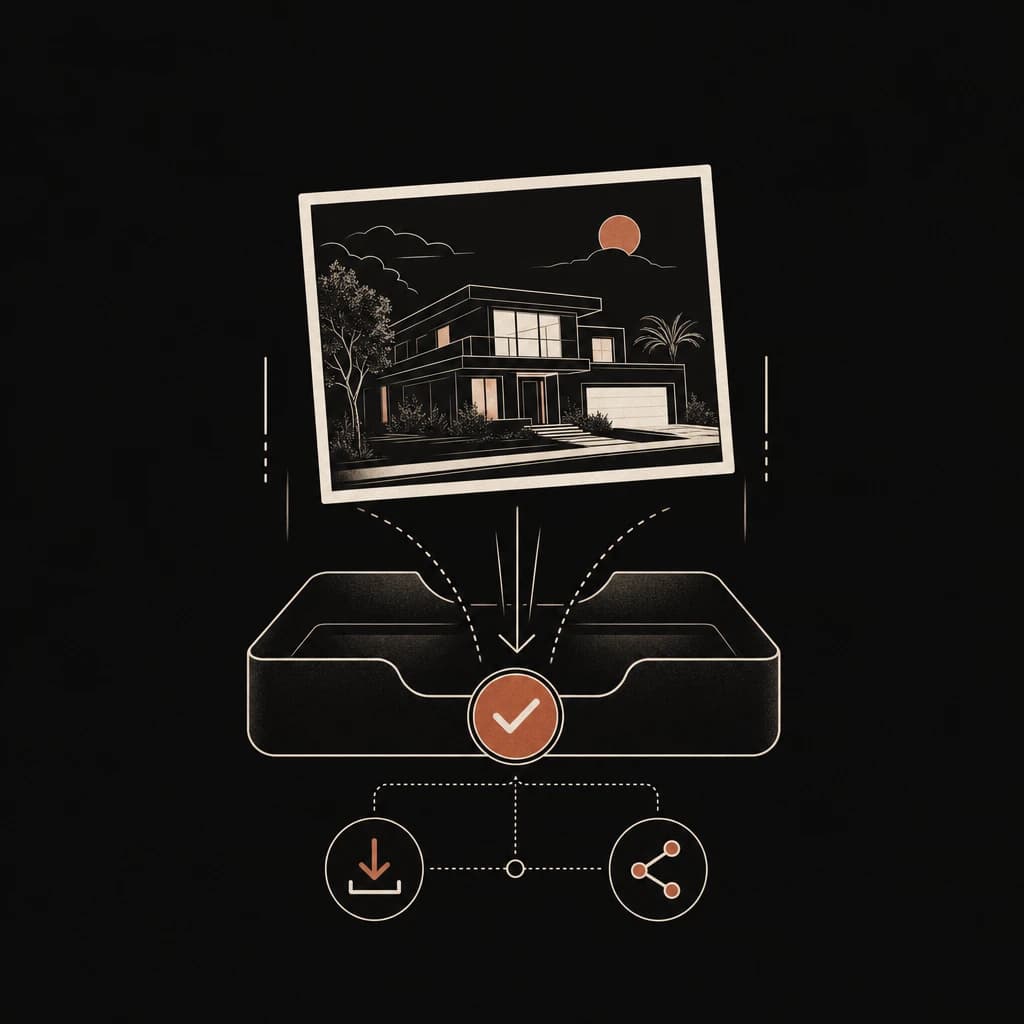
Use the result
Finished listing photos land back in your dashboard, ready to download as a .zip or share with your client.
What it does
Every edit a listing needs.
From HDR photo editing and sky replacement to virtual twilight, virtual staging and object removal — 14 built-in presets across four categories, plus a custom prompt for anything off the menu.
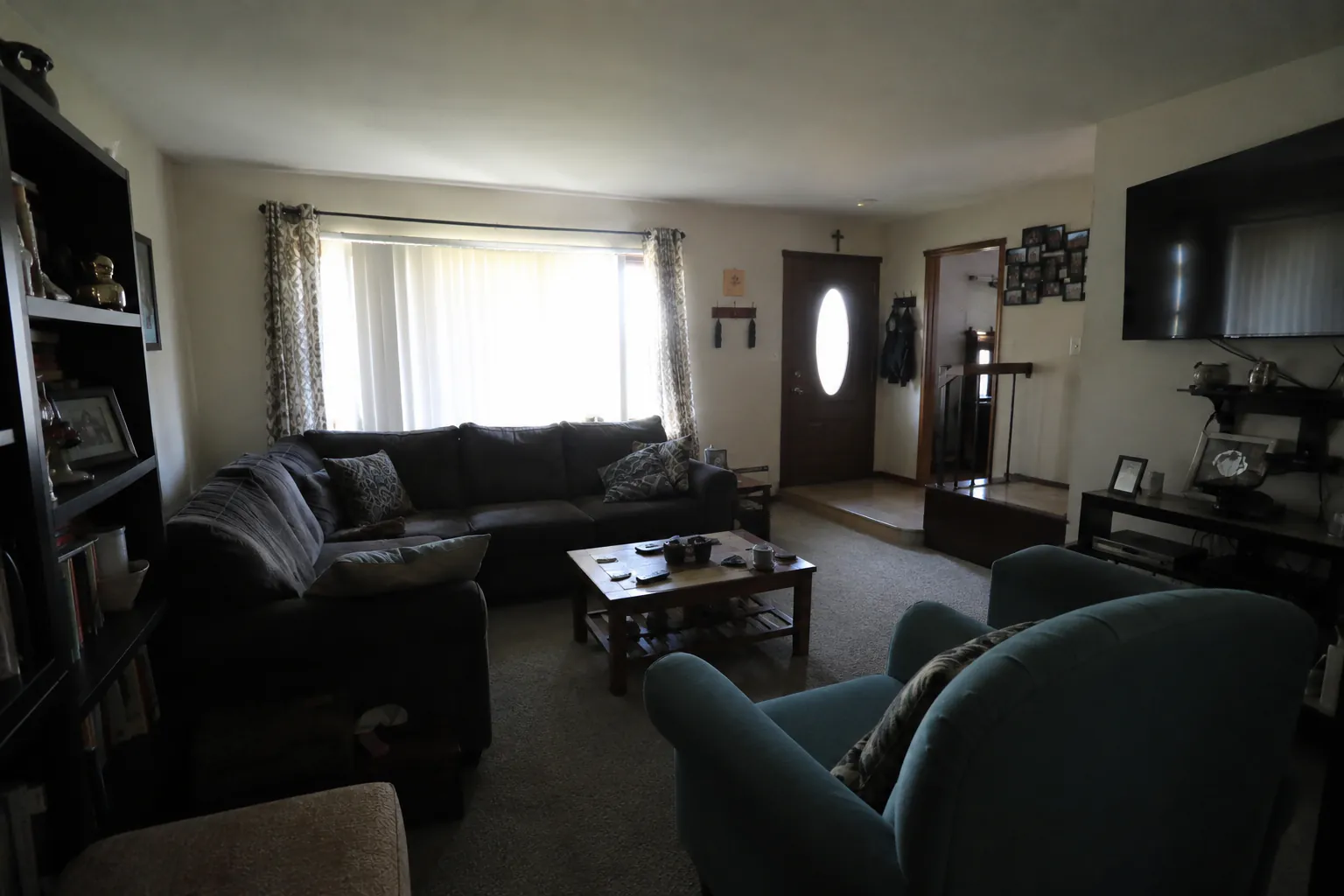
HDR Editing
Balanced exposure on every interior
HDR photo editing for bracketed or single-frame shots — shadow recovery, highlight retention, and accurate white balance. Pick Natural for a true-to-life look or Intense for high-impact contrast.
More than presets
An editor, a team workspace, and an automation engine.
Beyond the one-click presets, JRAHDR is a full AI photo editing studio for real estate — built to scale from one photographer to a whole brokerage.
The editor
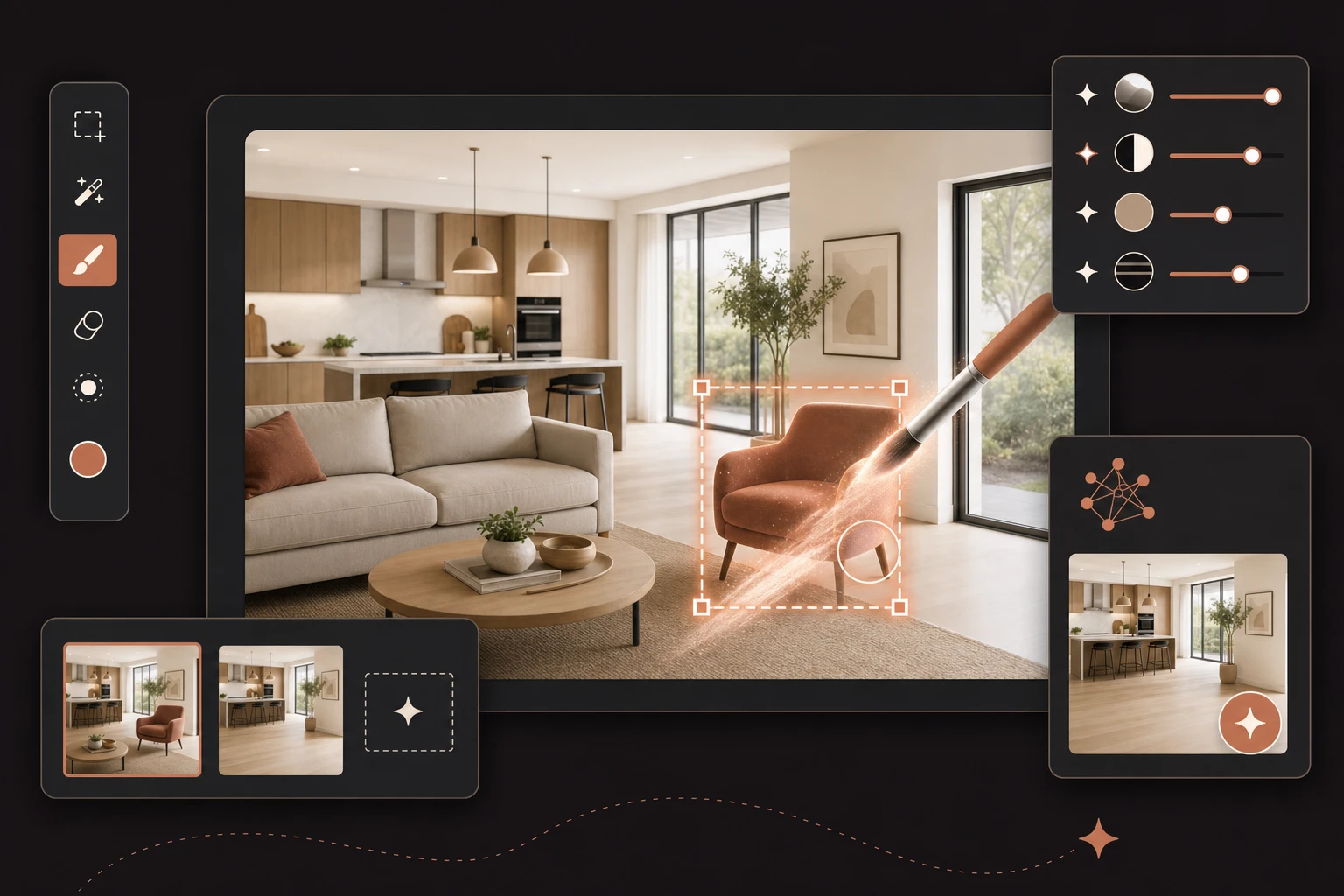
A full studio, not just one-click presets
Open any photo and keep refining. Detect objects, brush or box-select, move things, add new ones, and compare every version — precise object removal and touch-ups without leaving the page.
- Detect & remove objects — Tap items the AI finds; precise masks remove just them and leave the rest of the photo untouched.
- Brush, box-select, or move — Paint an area, drag a box, or drag an item to a new spot in the room.
- Generative add — Paint a spot and describe what goes there — “a potted plant” — placed to match the room.
- Talk to it — Type or speak a change, and @-mention detected items to target them exactly.
- Compare & version history — Highlight what changed between any two versions; every edit is saved and revisitable.
For teams
Built for studios & brokerages
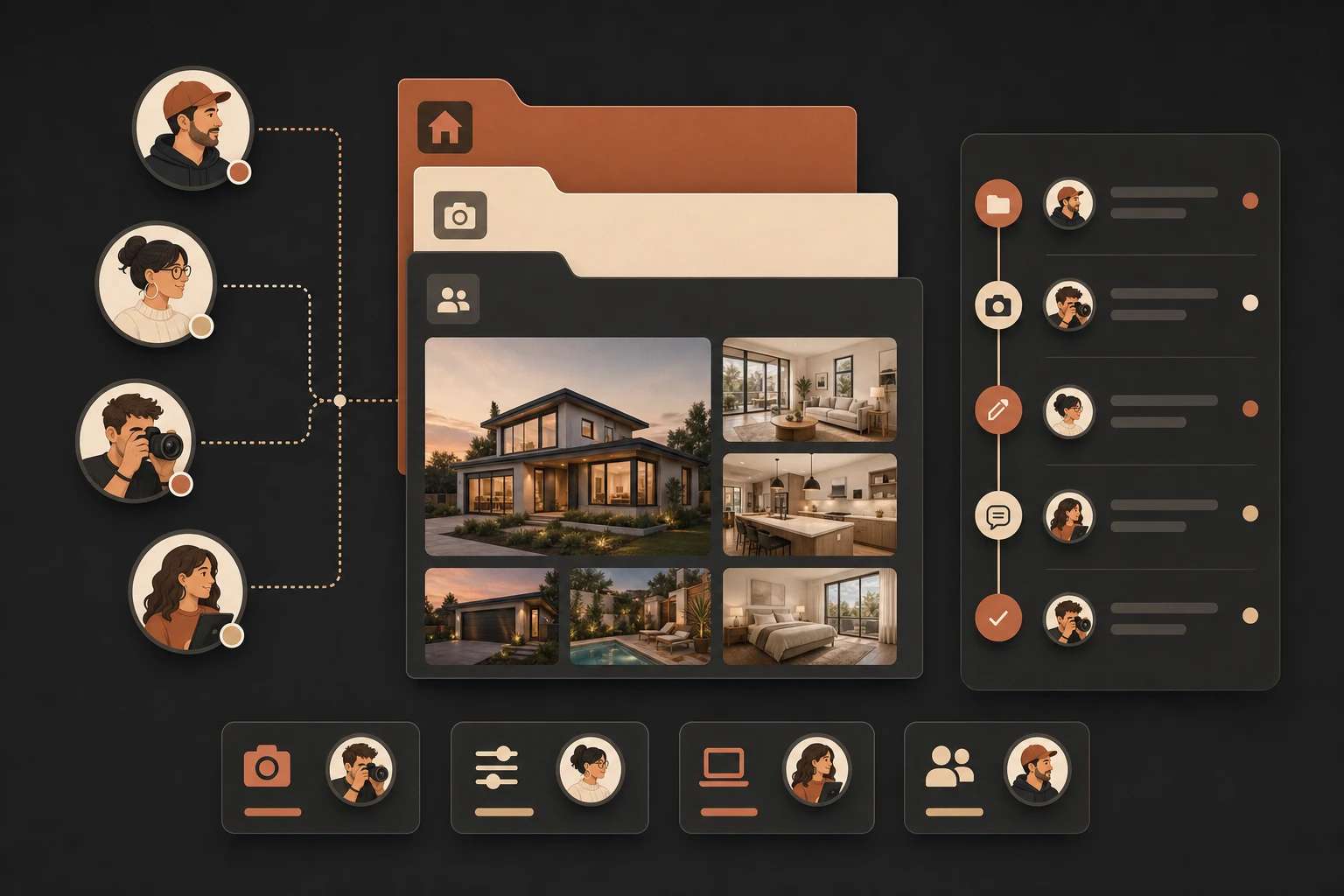
Bring your whole team onto one plan, group a shoot into a named project, and see exactly who edited which listing photos.
- Named projects — Upload a whole shoot at once — photos group into a project you name and open as a set.
- Roles & permissions — Invite teammates, set admin/member roles, and revoke API or Claude access per person.
- Activity log — A team-wide history of who edited what and when, with thumbnails and links.
- Filter by teammate — Slice the Edits page by member to see one person’s work.

Automation
Editing on autopilot
Rip through a whole shoot of listing photos in seconds, sync straight from the cloud, or wire real estate photo editing into your own tools.
- Batch in seconds — Assign an edit per photo and move on — they process in the background, no waiting on the batch.
- Dropbox & Drive sync — Drop files in a watch folder and get edited versions back automatically.
- Claude & API — Run edits inside Claude via the MCP connector, or call the REST API from your own pipeline.
- Deliver as a .zip — Download a whole project as web-size, full-res, or both — in your original format.
AI rendering
Renovate, restyle, and stage — before you lift a hammer.
Turn any room into its best version. Pick a direction, choose a style, and JRAHDR re-renders the space photorealistically — holding the real architecture, framing, and camera angle so it still reads as the same listing. Show buyers a room’s potential right alongside the real listing photos.
Renovate
Modern finishes, flooring, and fixtures on the same bones — no remodel required.
Restyle
Swap the whole design language — Scandinavian, modern, coastal — in one shot.
Furnish
Virtual staging for empty rooms — believable, well-placed furniture and decor.
Exterior
Refresh curb appeal — siding, landscaping, and lighting — while keeping the structure.
See it for yourself
Drag to compare.
Real outputs from the pipeline — no additional edits.
BeforeAfterHDR Editing
Balanced exposure, recovered shadows and highlights.
 BeforeAfter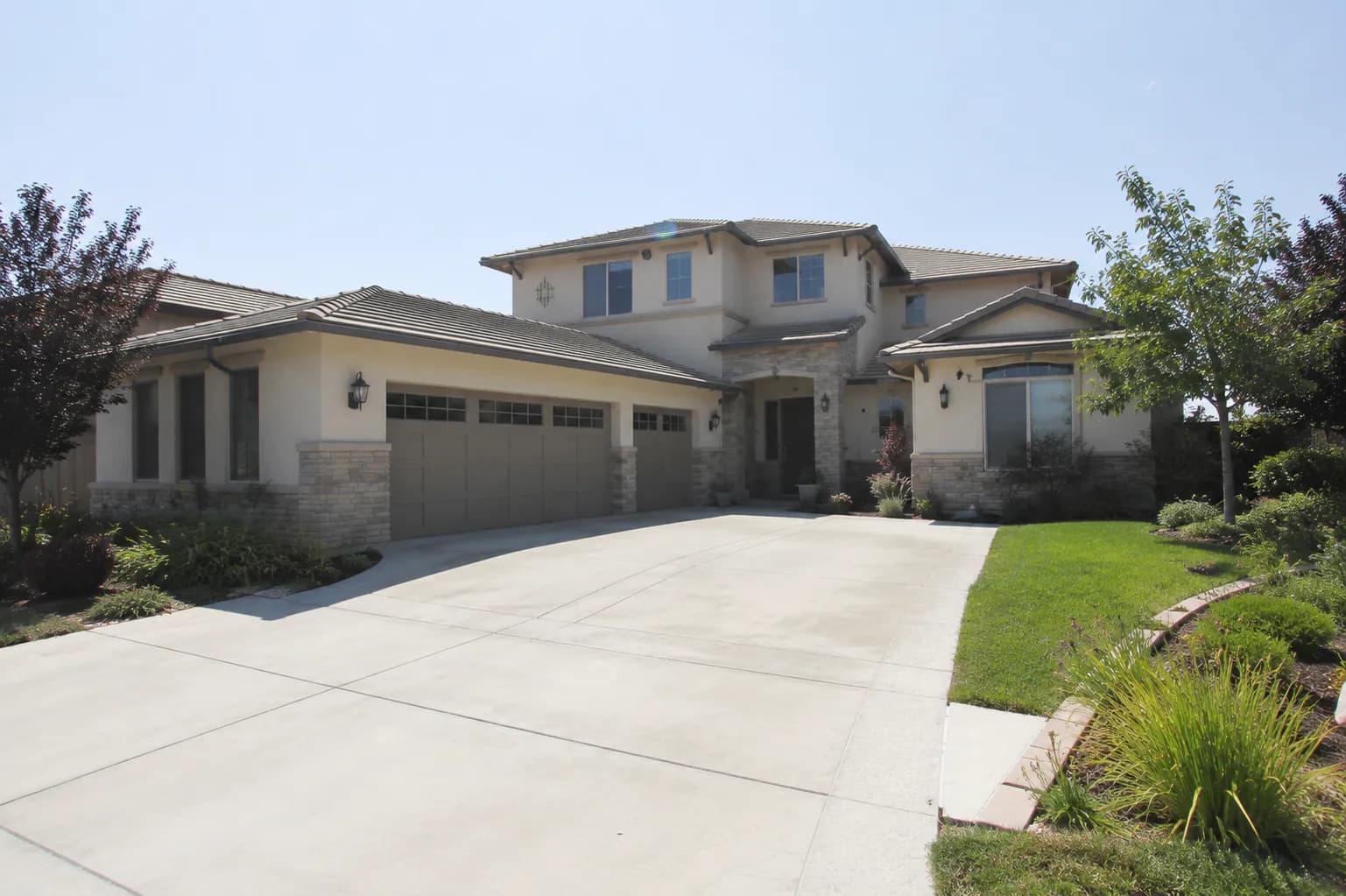
Real Twilights
Midday exterior → golden-hour twilight, warm window glow.
 BeforeAfter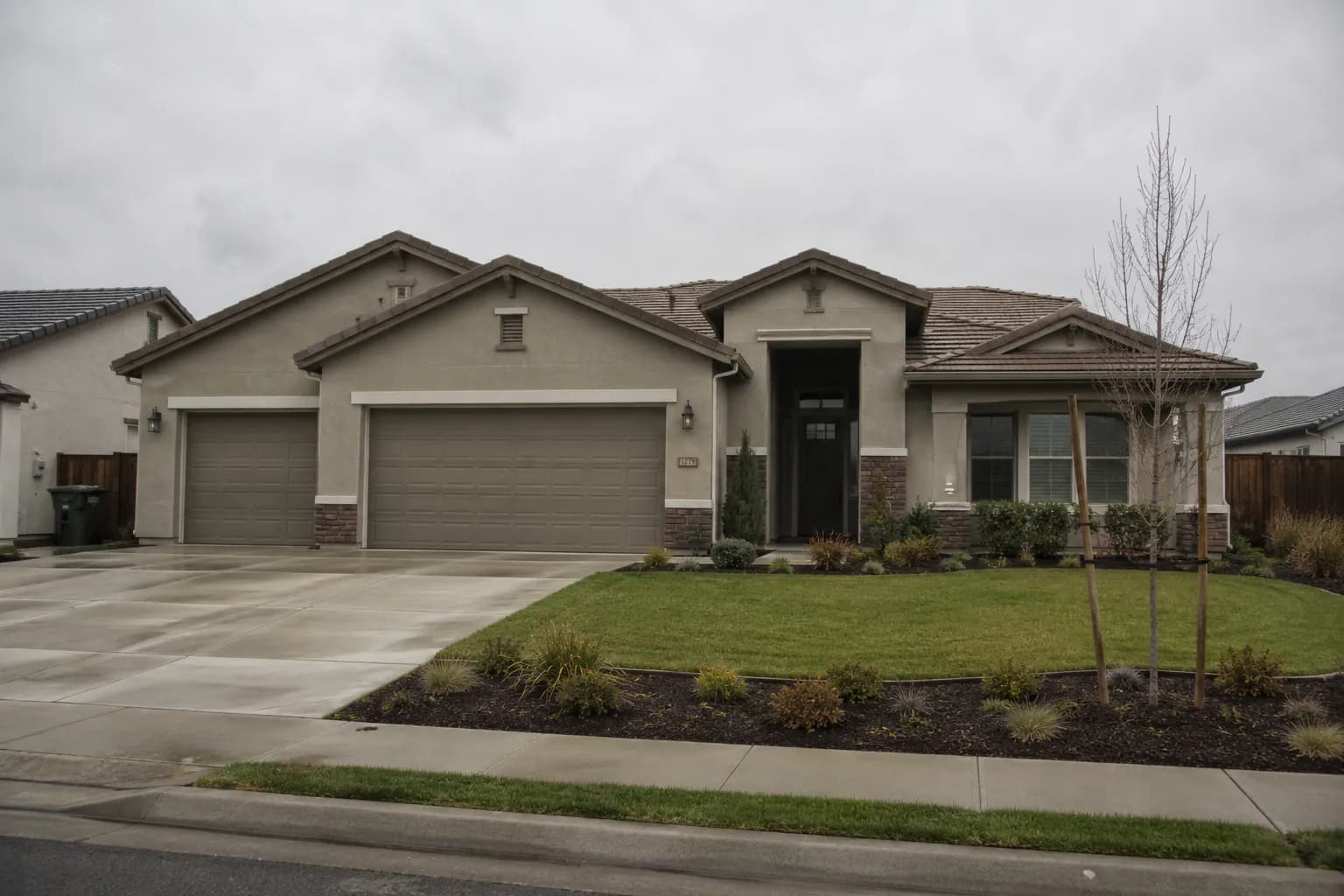
Sky Replacement
Overcast sky → clean blue with matched lighting.
 BeforeAfter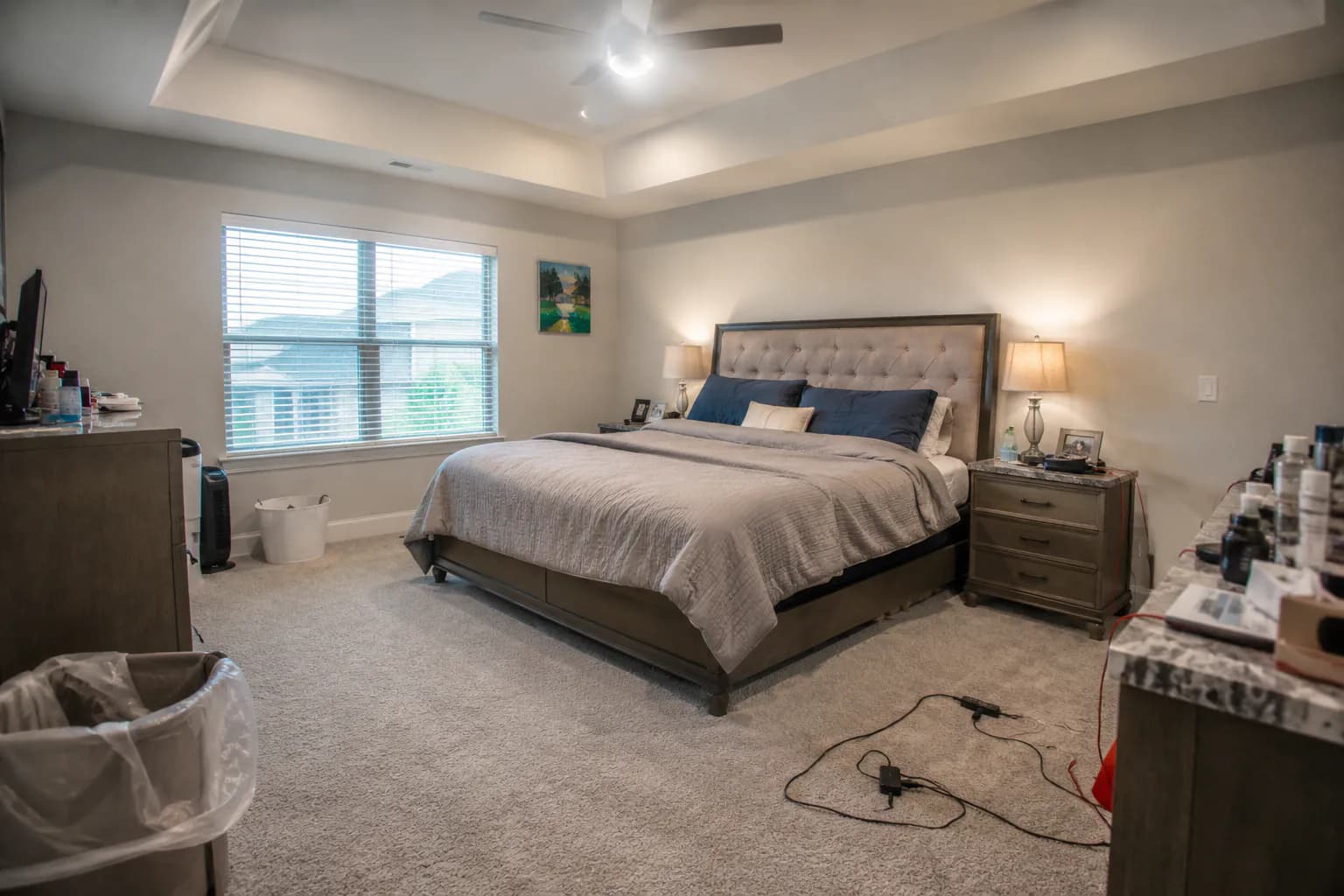
Removals
Cords, signage, mail, and clutter erased automatically.
Who uses it
Built for everyone who lists property.
AI photo editing for real estate, sized to how you work — from a solo photographer to a brokerage-wide account. Find your plan.
Real estate photographers
Same-day deliveryCut post-production from hours to minutes with HDR photo editing, window pulls and sky replacement in one pass. Ship same-day to every listing client. Charge the same, deliver faster.
Listing agents
DIY listing photosSkip the photographer for off-market or quick-turn listings. Phone shot in, listing-ready set out — with object removal and virtual staging for vacant rooms.
Brokerages & teams
Brokerage-wide standardStandardize listing photos across every agent. One team plan, admin and member roles, and an activity log of who edited what.
Short-term rental hosts
Seasonal refreshesRefresh Airbnb / VRBO listings between seasons without a new shoot. Virtual twilights, sky swaps, lush lawns on demand.
Real estate photo editing by the numbers


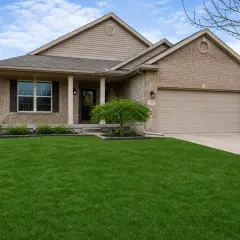
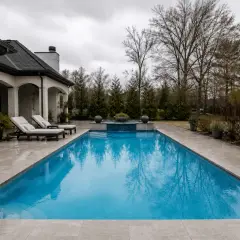
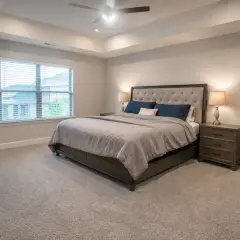
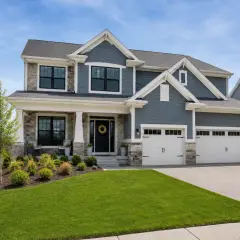


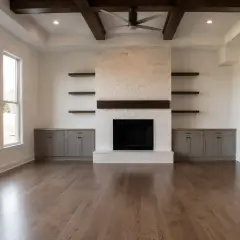
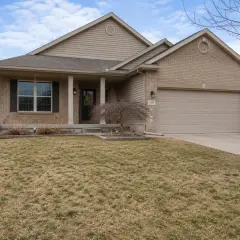
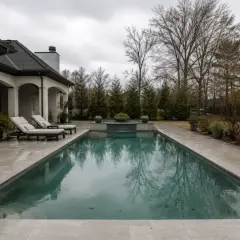
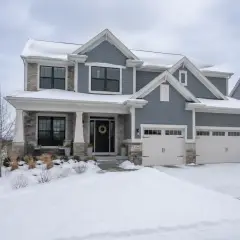
Showcase
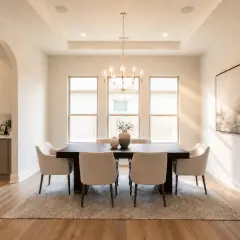
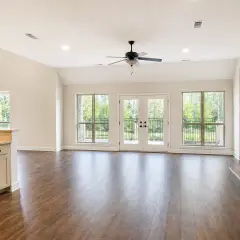
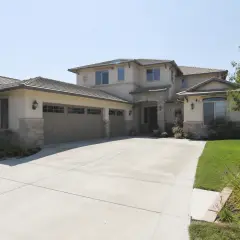
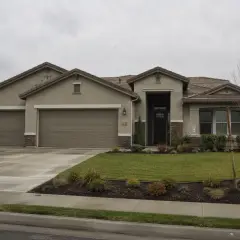
Real outputs. Real listings.
Every photo here came straight out of the pipeline.
Photographers and brokerages run thousands of edits a week through JRAHDR. Yours is next.
Plug into your existing workflow.
Send photos from Lightroom Classic or Capture One with our plugins and get edits stacked back in your catalog, or drop files in a Dropbox or Google Drive watch folder and get edited listing photos back automatically. No manual export/import shuffle. Building your own pipeline? Read the API docs.
Free · no sign-up
Free image tools, on the house
Resize, compress, crop, and convert listing photos right in your browser — no account, no watermark, nothing uploaded. Perfect for hitting MLS size limits. A little thank-you from the JRAHDR team.
Pricing
Pay per photo. Scale with your volume.
Start free. Slide for more — the per-photo rate drops as your volume grows.
Free
No card required.
Try out our software, on us.
- 10 edits per month
- All presets + custom prompts
Prices in USD. Change volume or cancel anytime from your dashboard. Need more than 20,000 photos a month or invoiced billing? Talk to us.
FAQ
Frequently asked.
What kinds of photos work best?
JPEG, PNG, TIFF, WebP or HEIC up to 60 MB — from phone shots to full-resolution DSLR exports. Real estate interiors, exteriors, twilight subjects, drone shots — all supported. For HDR you can upload single frames; we don't require brackets.
How long does a single edit take?
About 30 seconds per photo end-to-end. Batches process in parallel — a 30-photo shoot is typically ready in 2-3 minutes.
Will the edits drift the room geometry?
Our prompts lock the structural elements (walls, windows, furniture placement) in place. Every preset has a structural-preservation guardrail, including custom prompts you write yourself.
Can I write my own custom edit?
Yes. Pick "Custom prompt" in the edit picker and describe what you want — e.g. "brighten the kitchen and remove the toaster". We wrap your text with the preservation guardrails automatically.
Do you store my photos?
Inputs and outputs are stored with your account. Email us any time to delete edits or your whole account. We do not train on customer photos.
Can I integrate it with Lightroom or Dropbox?
Yes. Connect a Dropbox or Google Drive watch folder from Integrations and new photos are edited automatically. Studio and Brokerage plans also get the Lightroom Classic plugin, the REST API, and the Claude connector.
Ready when you are
Your next listing, edited already.
Ten free edits every month. No credit card. Drop a photo and see what AI real estate photo editing does for your listing photos.
Shooting at volume? Compare plans or automate it with the API.